> ## Documentation Index
> Fetch the complete documentation index at: https://docs.claboard.dev/llms.txt
> Use this file to discover all available pages before exploring further.
# Introduction
> Orchestrate multiple Claude agents from a visual command center
# Welcome to Claude Board
Claude Board is an open-source AI orchestration platform that turns your local machine into a multi-agent development squad. Define tasks with dependency graphs, execute them in parallel waves, and monitor everything through a real-time observability dashboard.
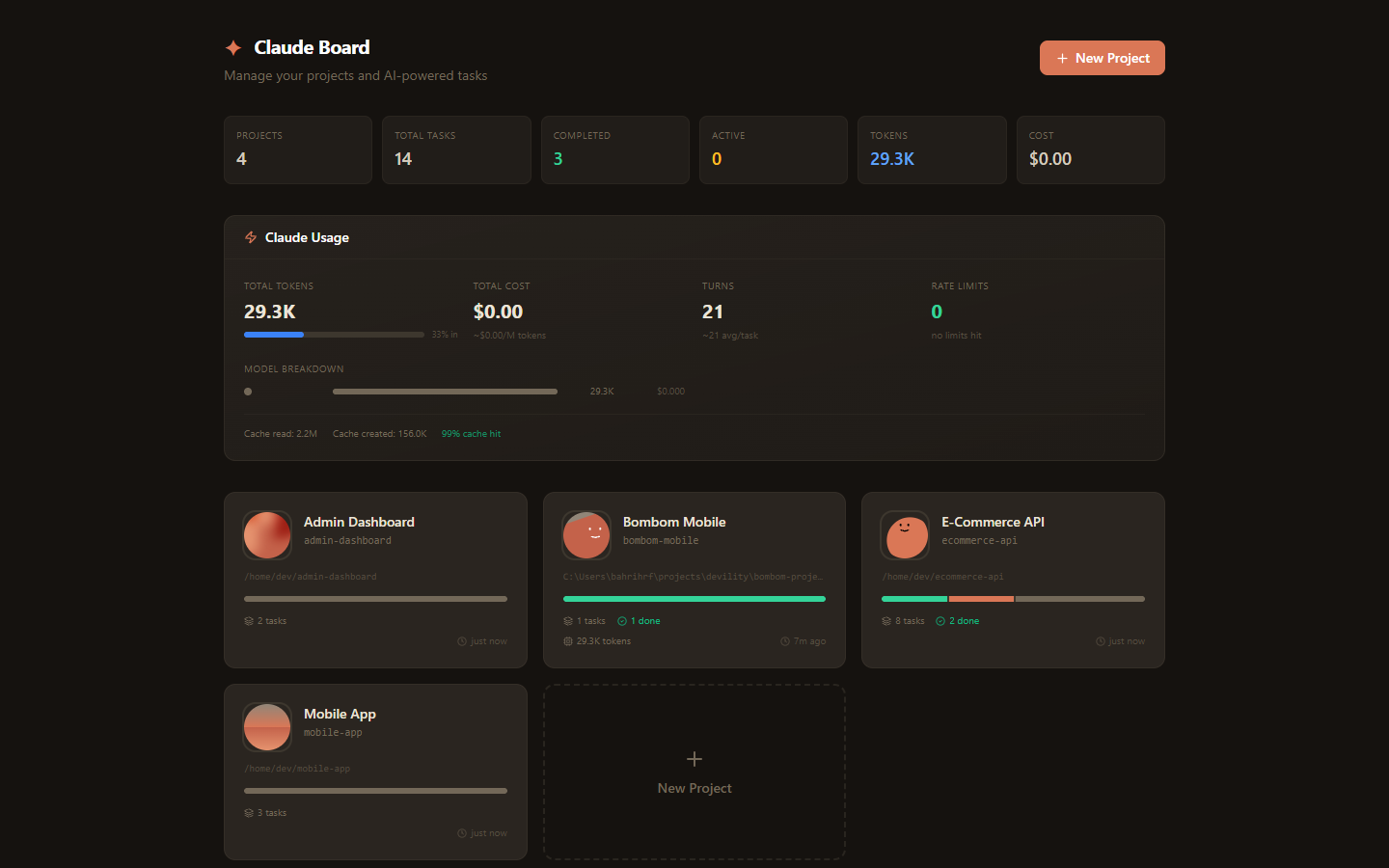 ## How it works
Create tasks on a visual Kanban board. Set dependencies with drag-and-drop, choose models (Opus, Sonnet, Haiku), and attach context snippets or file references.
Tasks execute in dependency-aware waves. Wave 0 tasks run in parallel, Wave 1 starts when dependencies resolve. Each agent creates a branch, writes code, runs tests, and commits — all visible in the live terminal.
Review diffs, auto-test results, and token costs. Approve to auto-create PRs, or request changes — Claude iterates on your feedback with exponential backoff retry on failures.
## Key features
DAG dependency graph, Gantt timeline, and live observability dashboard with file conflict detection.
Parallel execution in dependency-aware waves. Auto-retry with exponential backoff on failures.
Run up to 5 Claude agents simultaneously on different tasks with real-time monitoring.
Watch file edits, tool calls, and commands in real-time with split-terminal support.
Auto-create branches and pull requests per task. Branch cleanup on completion.
Manage MCP servers, plugins, permissions, hooks, and settings from one panel.
Automatic test execution on completion. Failed tests trigger auto-revision cycles.
Send events to Slack, Discord, Teams, or custom endpoints with per-project filtering.
## Next steps
Download the desktop app or install from source.
Create your first project and run a task in minutes.
Learn about dependency graphs, timeline, and live views.
## How it works
Create tasks on a visual Kanban board. Set dependencies with drag-and-drop, choose models (Opus, Sonnet, Haiku), and attach context snippets or file references.
Tasks execute in dependency-aware waves. Wave 0 tasks run in parallel, Wave 1 starts when dependencies resolve. Each agent creates a branch, writes code, runs tests, and commits — all visible in the live terminal.
Review diffs, auto-test results, and token costs. Approve to auto-create PRs, or request changes — Claude iterates on your feedback with exponential backoff retry on failures.
## Key features
DAG dependency graph, Gantt timeline, and live observability dashboard with file conflict detection.
Parallel execution in dependency-aware waves. Auto-retry with exponential backoff on failures.
Run up to 5 Claude agents simultaneously on different tasks with real-time monitoring.
Watch file edits, tool calls, and commands in real-time with split-terminal support.
Auto-create branches and pull requests per task. Branch cleanup on completion.
Manage MCP servers, plugins, permissions, hooks, and settings from one panel.
Automatic test execution on completion. Failed tests trigger auto-revision cycles.
Send events to Slack, Discord, Teams, or custom endpoints with per-project filtering.
## Next steps
Download the desktop app or install from source.
Create your first project and run a task in minutes.
Learn about dependency graphs, timeline, and live views.